Or Have AI Build it for You (Add and Edit Compatible)
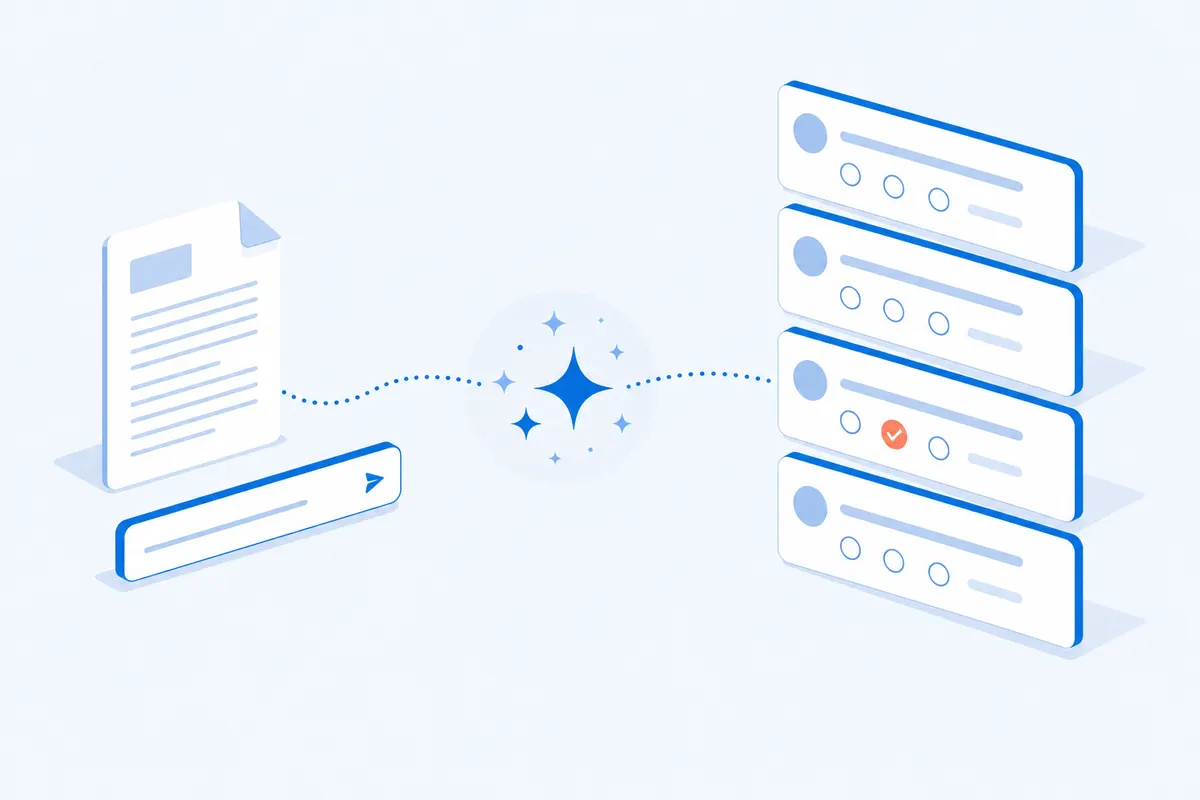
Magical AI Survey Generator creates a ready-to-share survey in seconds
How to make a survey
Three steps from blank page to live survey with the online survey builder above. No design or coding skills needed.
Add your questions
Hit Add Question in the survey builder above and pick from multiple choice, rating scales, text boxes and more. Or describe the survey and let the AI survey generator write a first draft in seconds.
Make it yours
Pick a theme, or set your own colours, fonts and logo on the Themes tab. Add logic so people only see the questions that apply to them, then preview it on your phone.
Share and watch results
Publish with a direct link, send email invites, print a QR code or embed the survey on your site. Answers land in your dashboard in real time, ready to filter and export.
Real platform numbers, not marketing math. Surveys built here since September 2023.
2.27MResponses
122,887Surveys built
58,621Survey creators
70 secMedian time
Everything an online survey maker should do
Build, ask, share, analyse. One editor, nothing bolted on.
Build
Draft it with the AI survey generator, or build it by hand
Describe the survey, or upload a document or paste a URL, and the AI survey generator writes a first draft you can edit question by question. Prefer control? The editor at the top of this page adds a question in one click, and your draft is kept while you work.
Ask
Every question type, ready to drop in
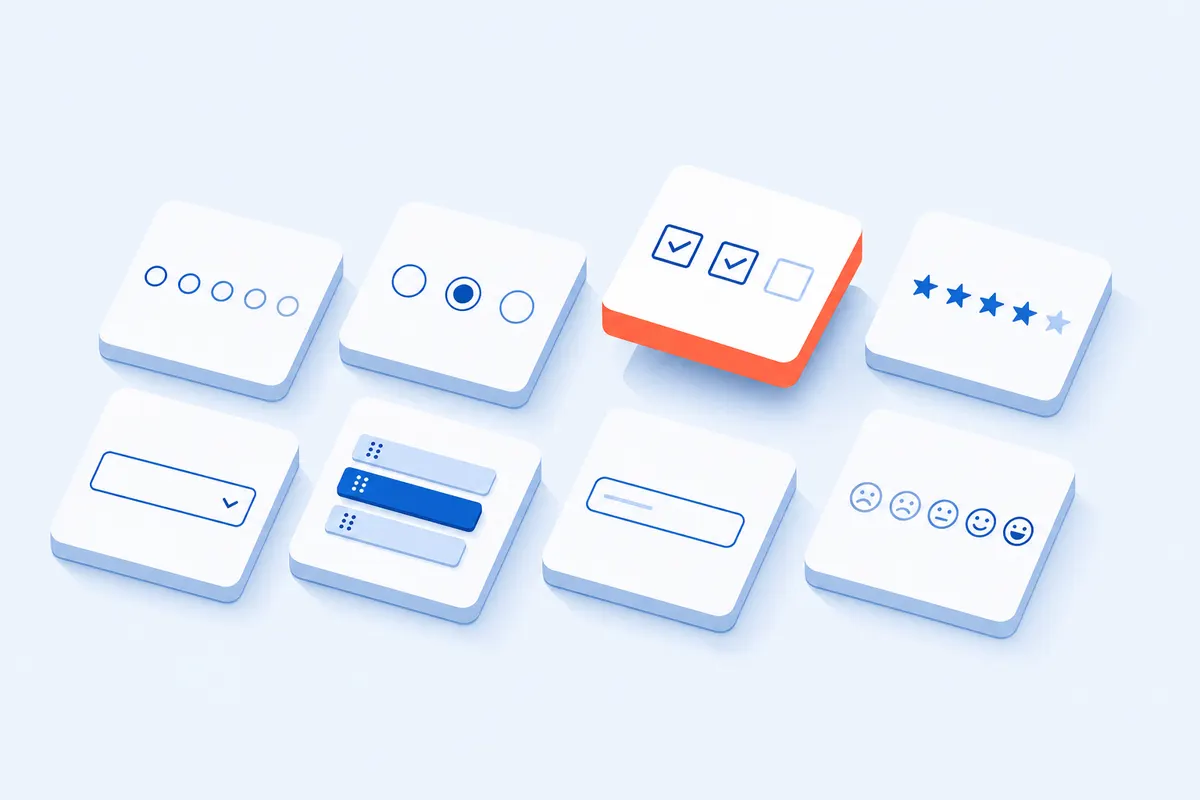
Multiple choice, checkboxes, rating scales, NPS, star ratings, dropdowns, ranking, text, date, number and file upload. Add an "Other" box, set a question as required or skippable, and show one question per page or all at once.
Share
One link, anywhere your people are
Send a direct link, email invites from the editor with your own From name, print a QR code for events, or embed the survey on your site. Nobody has to sign in to answer, and every survey is built for phones, where 3 in 4 answers arrive.
Analyse
Watch answers arrive in real time
A chart for every question updates as answers land, with an email alert when a new one arrives. Filter and segment by any answer to compare groups, then download everything to Excel, CSV, HTML or PDF.
Unlimited questions
Add as many questions and pages as the job needs. No counter, no cut-off.
Skip logic and branching
Show, hide or jump to questions based on earlier answers, so nobody sees what does not apply to them.
Answer piping
Reuse an earlier answer inside a later question, such as the product someone picked.
Your branding
Your logo, colours, fonts and background on every survey and thank-you page. Or pick a ready-made theme.
Email invites and reminders
Send the survey from the editor with your own From name and Reply-to, then send a reminder to people who have not answered.
Response alerts
Get an email the moment a new answer arrives, so you can act while it is fresh.
Anonymous or verified
Run it anonymous, or verify each person by email to block duplicates without storing who said what.
Open and close dates
Set a start and end date, password-protect the survey, or cap it at one answer per person.
Many languages
Translate the survey and run it in several languages from one link.
Randomise
Shuffle question or answer order to keep the results honest.
End message or redirect
Finish with a thank-you page in your words, or send people on to any URL.
Export everything
Download all answers to Excel, CSV, HTML or PDF whenever you like.
Built for Feedback, Research, HR and the Classroom
One editor, four very different jobs. Each tip comes from our own response data.
Customer feedback
Post-purchase, support and NPS surveys that customers finish on their phones, in your branding, from a single link.
End on a rating scale. Those surveys get 5 points more of their answers back than ones that end on a choice.
Almost everyone who leaves does it at the first question or the last one. The middle costs about one person in a hundred per question, at any length.SuperSurvey Response Benchmark, 25,112 surveys
1 in 9
People who finish your survey still skip the last question. One in nine leave it blank and press Submit.
Do this: End on a rating scale or a multiple choice. Never end on a text box or an email field.
44 of 100
Ask for an email address as the last question and 44 out of 100 people will not give it.
Do this: If you need an email, ask in the middle and make it optional. 77 of 100 people give it that way.
+13%
Required questions get 13% more answers, and people do not quit because of them.
Do this: Make every question required, except the ones asking who someone is.
3.5x
A 20-question survey collects 3.5 times more answers than a 5-question one. Each extra question costs about one finisher in a hundred.
Do this: Ask what you really need. Just make the first question quick and easy.
3 in 4
Three out of four answers come from a phone.
Do this: Preview your survey on your phone before you send it. Keep matrix grids short.
Day one
63% of your answers arrive on the first day, and 86% within a week. After that, very little.
Do this: Send once, then remind people once, three or four days later.
Measured on 25,112 real surveys with 2,274,520 answers, built on SuperSurvey between September 2023 and August 2026. Each survey counts once, and surveys are only compared with others of a similar length.
See the charts behind this advice
Where people stop
Each line follows 100 people who opened a survey of that length and shows how many are still answering at each question.
Most people who leave do it at the first question or the last one. Everything in between costs about one person in a hundred per question, whether your survey has 5 questions or 20. So the two ends of your survey matter more than everything in the middle.
What the last question costs
How many people out of 100 drop at the final step, depending on what that question is. Across 6,498 surveys with at least 20 answers.
Survey ends onPeople lost at the last stepLost
Email address
44of 100
Long text box
26of 100
Short text box
19of 100
Their name
13of 100
Checkboxes
9of 100
Multiple choice
4of 100
Rating scale (1 to 10)
3of 100
An email field or a text box is the worst thing to end on. A rating scale is the best. The same question costs far less when it sits in the middle, because people still have somewhere to go.
Required questions do not scare people off
Surveys where every question was required, against surveys where every question was optional, matched by length.
Every question required
81%
finish the survey
899 surveys
+0.4points
Every question optional
81%
finish the survey
4,365 surveys
A long text box gets filled in
when required91%
when optional61%
Requiring it works
An email address gets filled in
when required (at the end)32%
when optional77%
Requiring it backfires
Making every question required barely changes how many people finish, but you get 13% more answers per person (88% of questions answered instead of 78%). The one exception is asking who someone is: people will type a paragraph to get through, but they will not hand over their email under pressure.
Longer surveys collect more, not less
Blue bars: how many people finish. Orange line: how many answers you collect per person who starts.
Finish the surveyAnswers collected per person
Going from 5 questions to 20 loses about 8 finishers in a hundred and collects 3.5 times the answers. The typical survey here has 5 questions and takes 70 seconds; even 20 to 29 questions is done in under 4 minutes.
What made no difference
Custom colours and themes: no change. Auto-advancing to the next question: no change. Random question order: no change. A progress bar helped a little (about 3 more finishers in a hundred) and 7 in 10 surveys already have one. The things that move results are what you end on, what you require, and which question types you use.
Every survey built on SuperSurvey between 16 September 2023 and 25 August 2026, read from the platform's own records: 122,887 surveys and 2,274,520 answers. The figures above use surveys with at least 3 questions and 3 answers (25,112 surveys), and per-survey rates need at least 20 people to have started. Each survey counts once, and settings are compared between surveys of similar length. Figures generated 2 September 2026.
Frequently Asked Questions
How do I make a survey online for free?
Add your questions in the survey creator at the top of this page, or type a short description and let the AI draft them. Save, then open the Share tab to copy the link, send email invites, or embed the survey. Results appear in your dashboard as people answer. The median survey built here has five questions and is finished by a respondent in 70 seconds.
Do I need an account to make a survey?
Not to build one. The editor works before you sign in, so you can add questions, pick a theme and preview the survey on a phone. When you publish, you add an email so the survey and its results have a dashboard you can come back to.
Can I make an anonymous survey?
Yes. Respondents never sign in, and a survey only collects what you ask for, so leave out name and email questions. If you turn on email verification to block duplicate answers, the anonymous setting stops the email being stored with the response. In our data an optional email field is filled by 77% of people; a required one at the end by 32%.
How do I share a survey?
Open the Share tab after saving. You get a link to paste anywhere, email invites you send from the editor, a QR code for print, and an embed code for your own website. Most responses arrive fast: 62.8% on day one and 86% within a week, so plan one reminder inside that week.
Can AI write my survey questions?
Yes. Type what the survey is for in the box under the editor, or upload a document or paste a URL, and the AI drafts the questions. Every question is editable before you publish, and you can add or remove questions in the same editor.
How many questions should a survey have?
As many as you need, ending on a cheap question. Across 25,112 surveys, going from five questions to twenty cost about 8 points of completion and returned 3.5 times the data. The two ends matter most: question one costs up to ten points, and the last question is skipped by 11.2% of people who finish.
How do I see and export survey results?
Results update live in the Results tab and in your dashboard, with a chart for each question. Filter by any answer to compare groups, then export the responses as Excel, CSV, HTML or PDF.
How does SuperSurvey compare with Google Forms and SurveyMonkey?
Google Forms is free but every form carries the Google look, and the logic is basic. SurveyMonkey caps its free surveys at 10 questions and holds back responses above its limit. SuperSurvey gives every survey unlimited questions, skip logic, your own branding, anonymous answers and export to Excel, and people can answer without signing in to anything.
What is the difference between a survey and a questionnaire?
A questionnaire is the set of questions. A survey is the whole exercise of asking a group of people and analysing their answers. The questionnaire maker on this page builds both: write the questionnaire, then share it to run the survey. The templates above are questionnaires you can send as they are.
Ready to Make Your Survey?
The editor at the top of this page is live. Add a question, or let the AI draft the whole thing.